
Overview
Overview of the Member Details
🎥 Watch the demo - Member Details
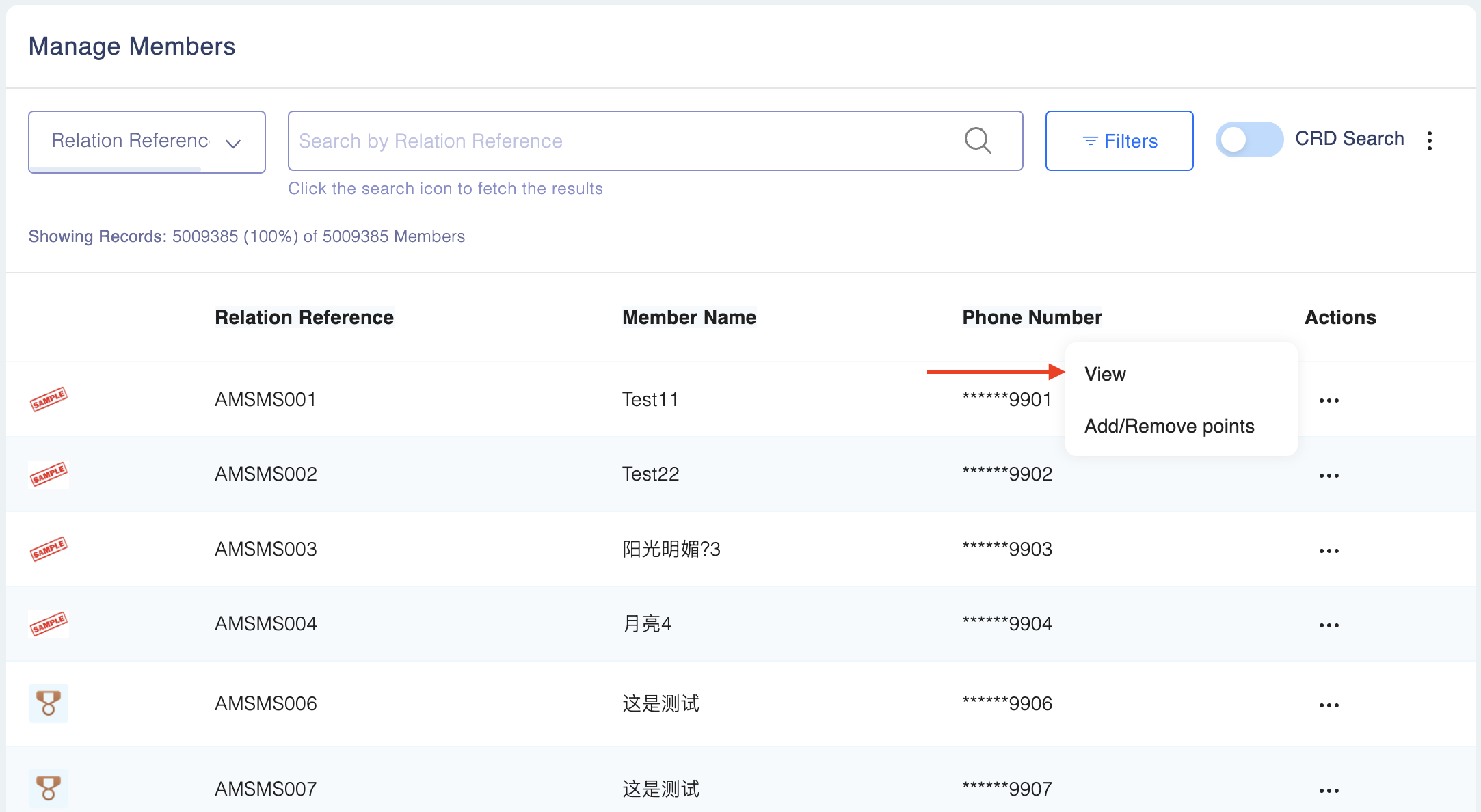
To view a specific member's profile, click on Actions → View in the member list.
Profile Overview
Each profile is distributed into three parts:
Basic Information: All member data such as Member ID, status (active/inactive/suspended/blocked/cancelled), segment, and join date, providing a comprehensive view of the member.

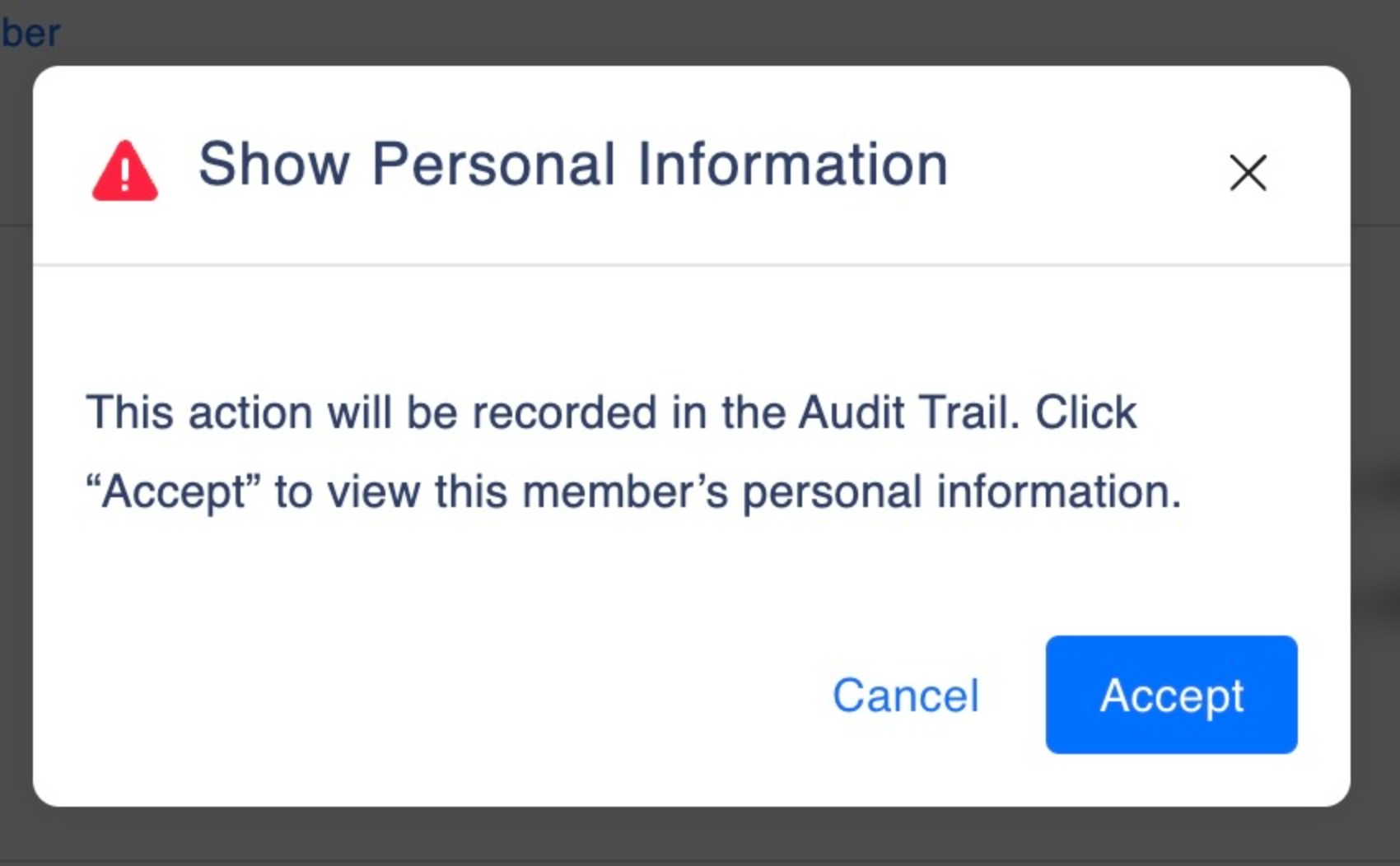
Personal Information: All personal information such as mobile number, email, gender, date of birth, address, and last login date. The personal information on a member is only available on confirmation and viewing of personal information is recorded on the audit trail of the admin user.
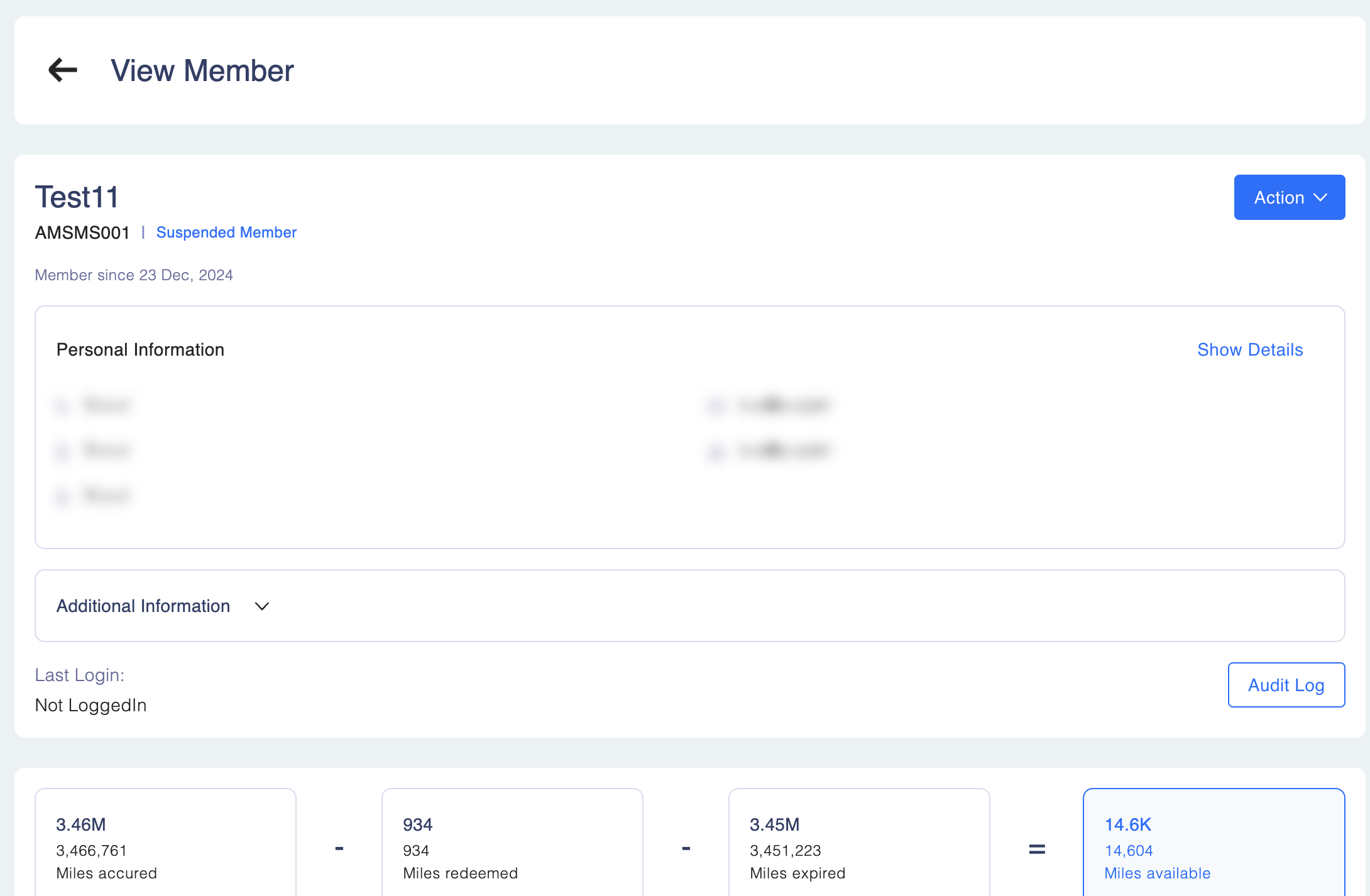
The personal information on a member is only available on confirmation and viewing of personal information is recorded on the audit trail of the admin user.
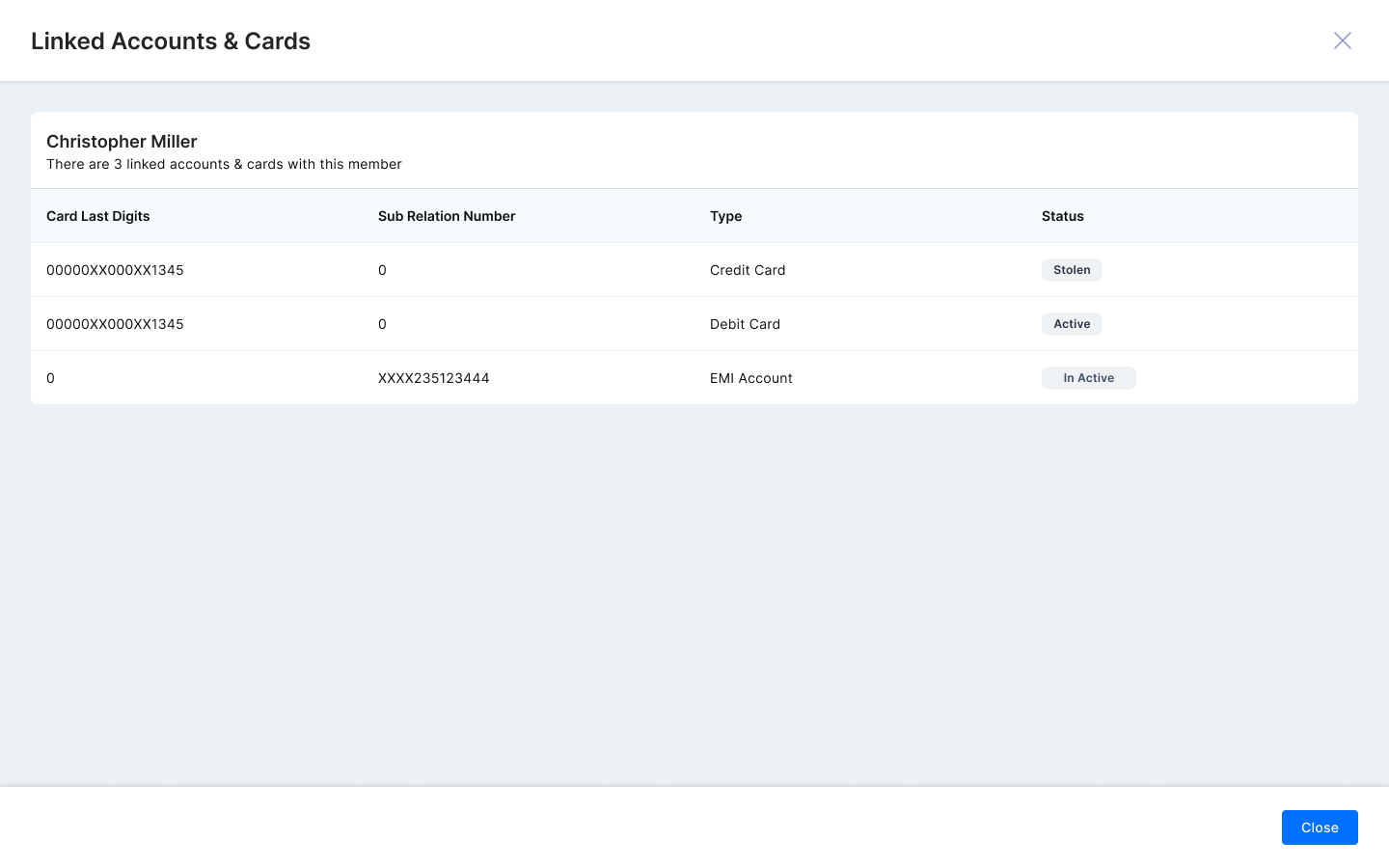
- Members can also view CRD elements by clicking on "View Linked Cards & Accounts" button in Member Profile. This is visible only when user have access of “Show PI”, “view member” and “view member details” to see the card details in the member section along with “Enable accounts and card linking to Member“ enabled in advance setting.
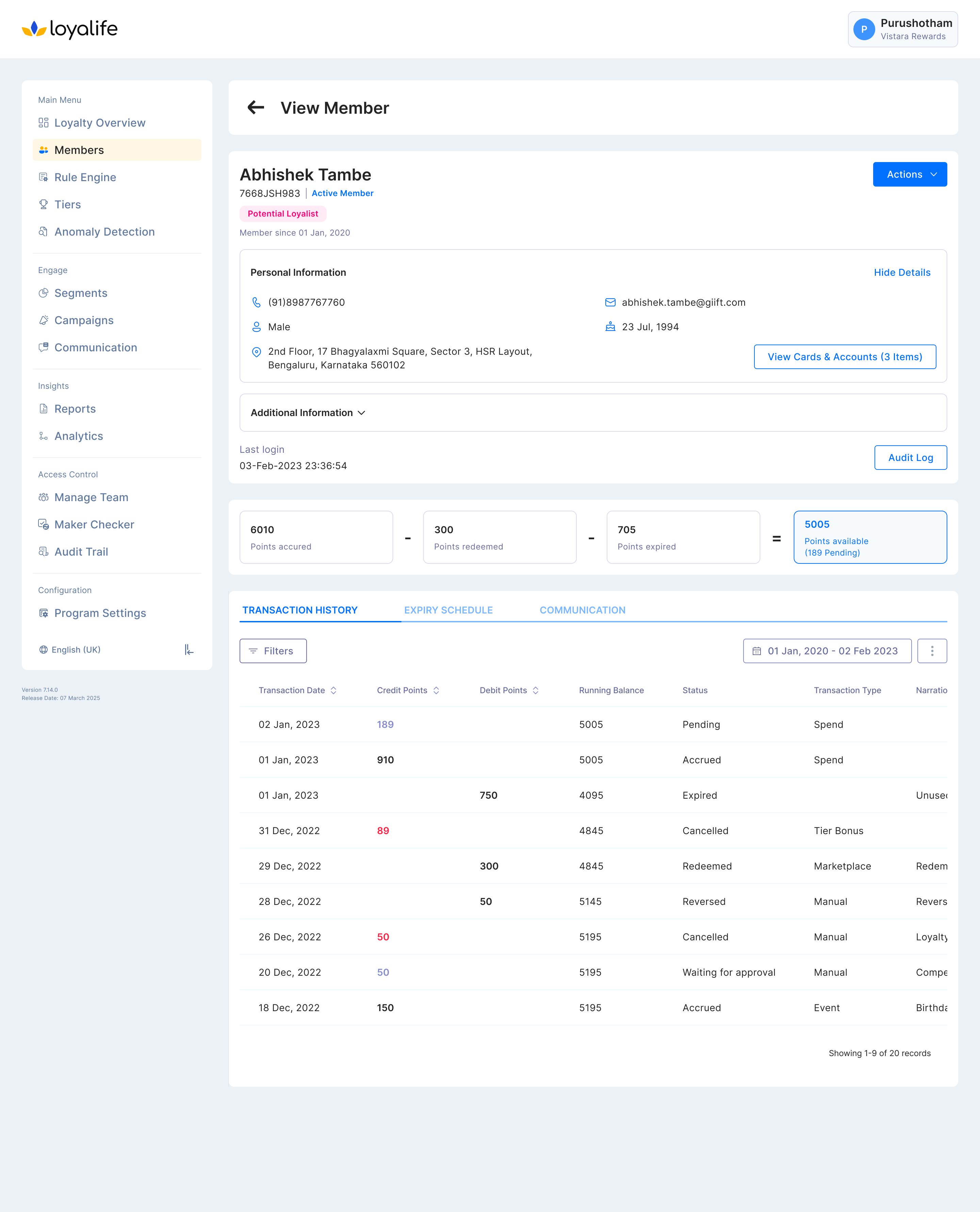
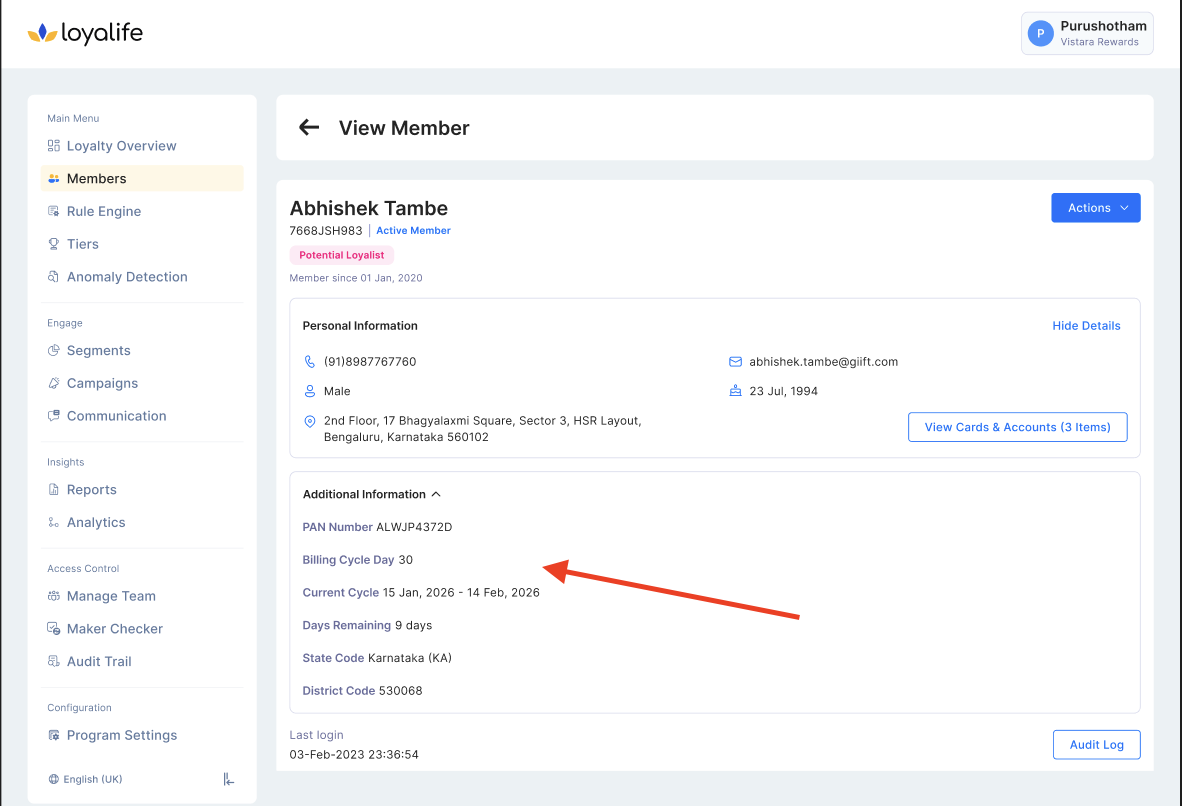
If the program is configured with Billing Cycle, two additional fields are displayed on the member profile under additional information
- Current Cycle — The member's active billing cycle.
- Remaining Days — Days remaining from today to the end of the current cycle.
Enable member-level billing cycle? Learn more here
Updated about 2 months ago