
Report for Comprehensive Approval Tracking
Learn how to view and download the Apporval tracking report
Why This Matters
For loyalty programs, compliance and accountability don’t stop at just approving changes — businesses need clear visibility into the entire history of approvals and rejections. Without proper reporting, it becomes difficult to:
- Audit past Maker-Checker actions
- Track delays and bottlenecks in approvals
- Ensure compliance during internal and external reviews
The Maker-Checker Report solves this by giving business users a CSV export of all actions (Created, Pending, Approved, Rejected), across modules where they have rights. This ensures transparency, operational efficiency, and regulatory compliance.
What’s Included in the Report
The report captures Maker-Checker actions across modules where the user has permission:
- Created requests
- Pending requests
- Approved requests
- Rejected requests
Each export includes all relevant metadata (who created, who checked, when, module, status, reason provided).
Steps to Download the Maker-Checker Report
Follow these steps to download your Maker-Checker Report:
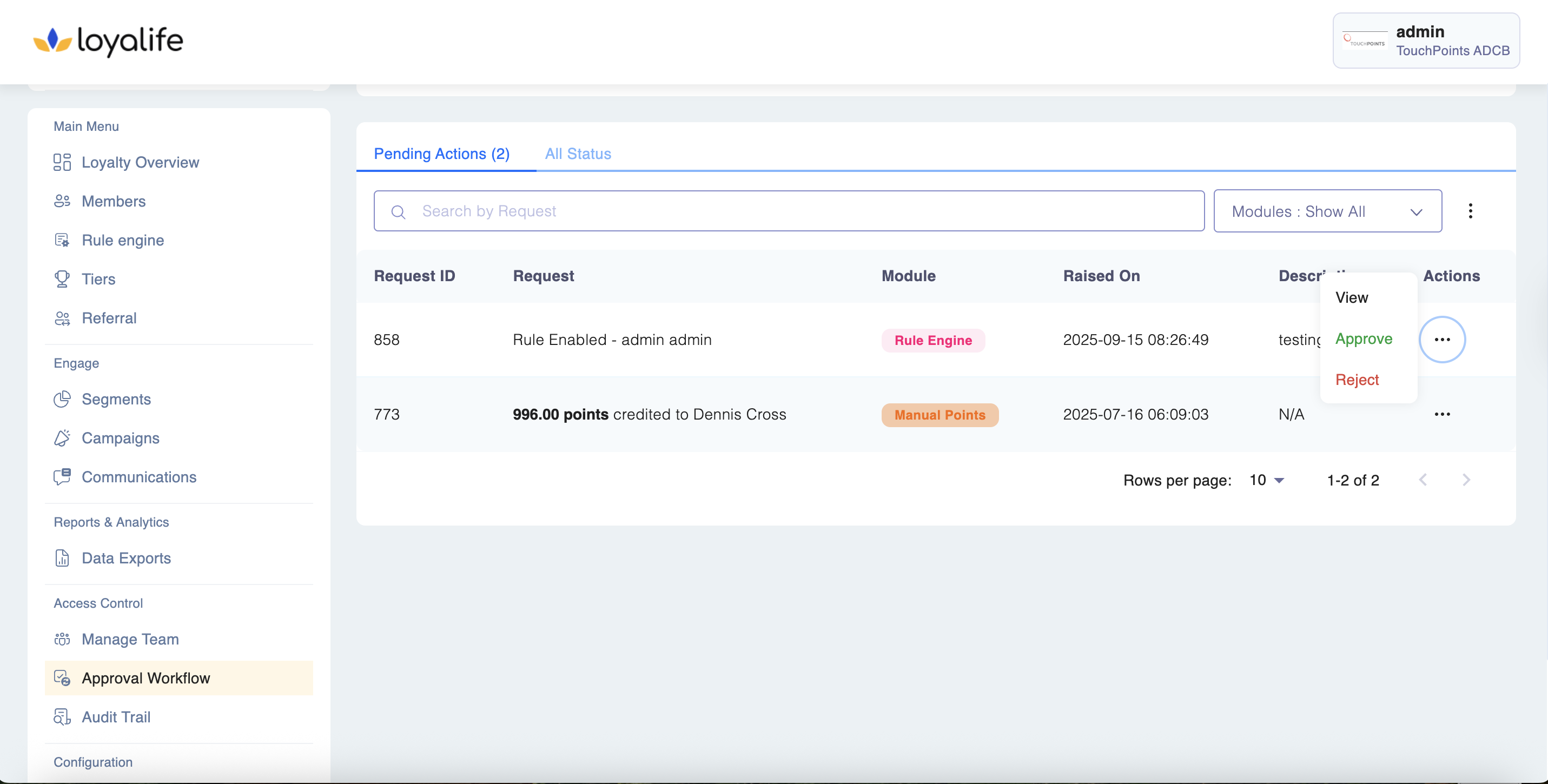
Step 1: Navigate to the Approval Workflows
- From the main menu, go to** Access Control > Approval Workflows.**
Step 2: Choose the View
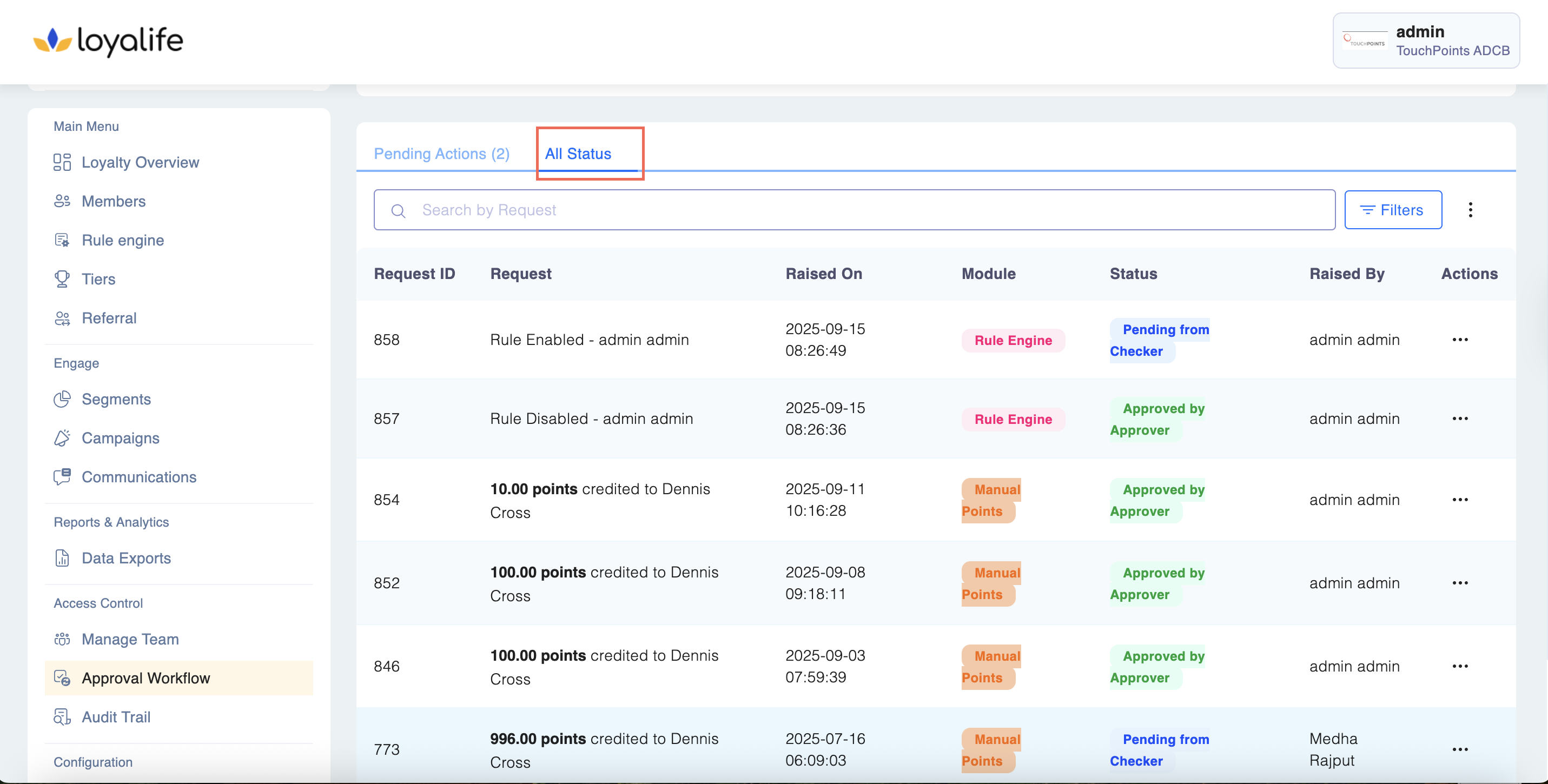
- Inside the Approval Workflow module, choose one of the following tabs:
- Pending Actions (to export only requests still waiting for approval)
- All Actions (to export all requests, including Created, Approved, and Rejected)
Step 3: Open Export Options
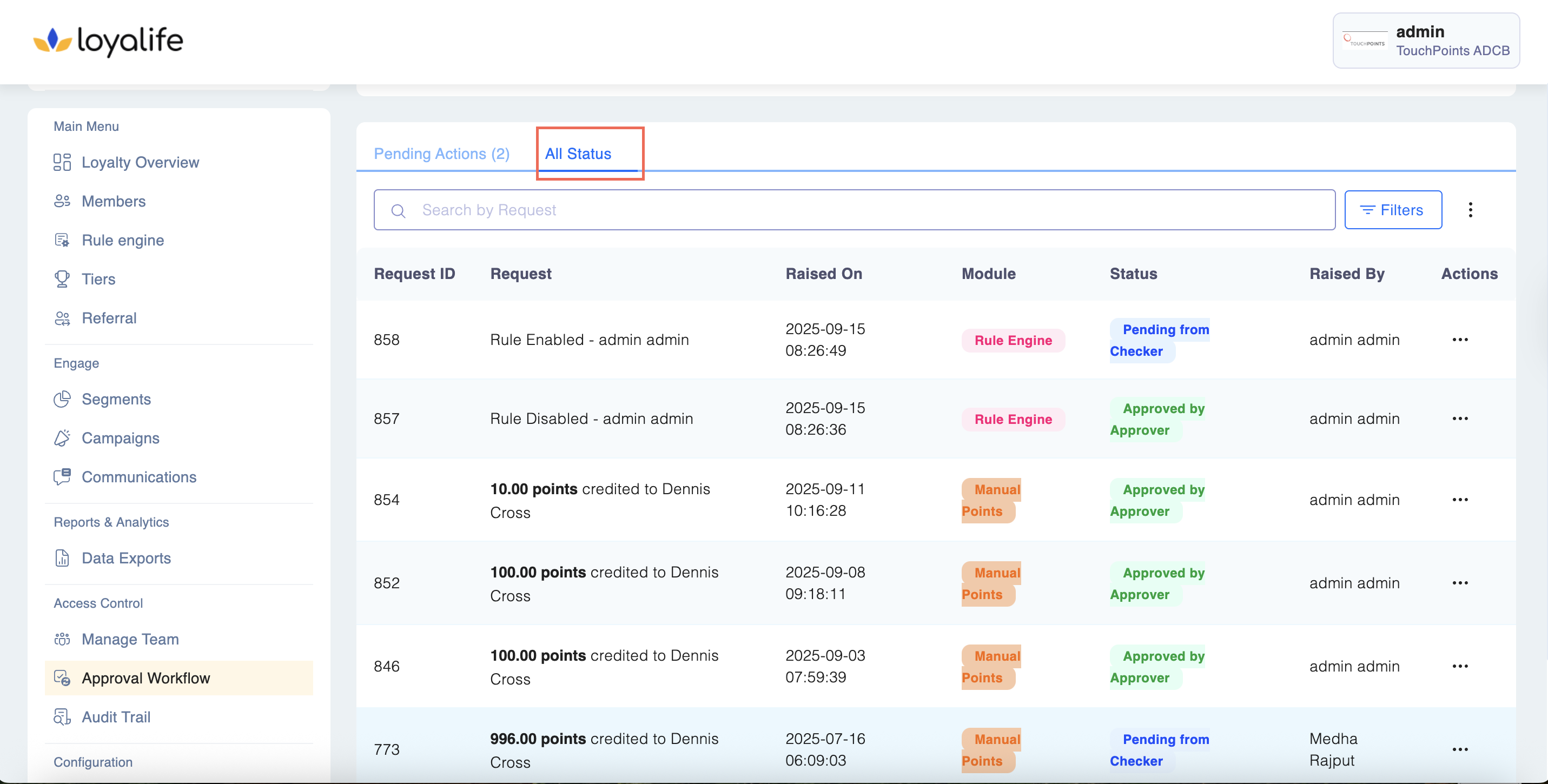
- On the top-right corner of the screen, click the three-dot menu (⋮).
- Select Export Actions from the dropdown.
Step 4: Select the Date Range
- A date range selector popup will appear.
- Choose the start date and end date for your report.
- Click Submit.
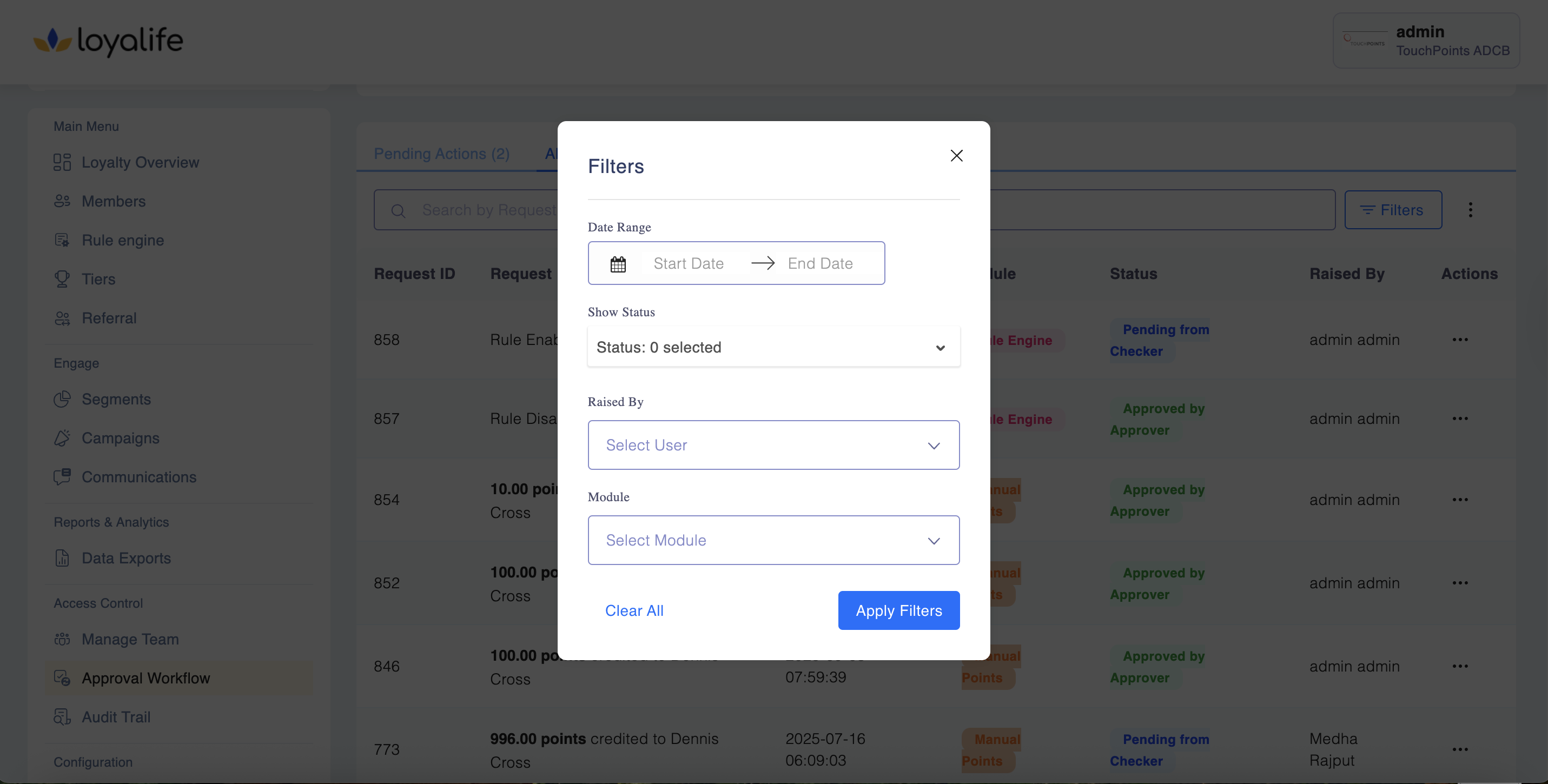
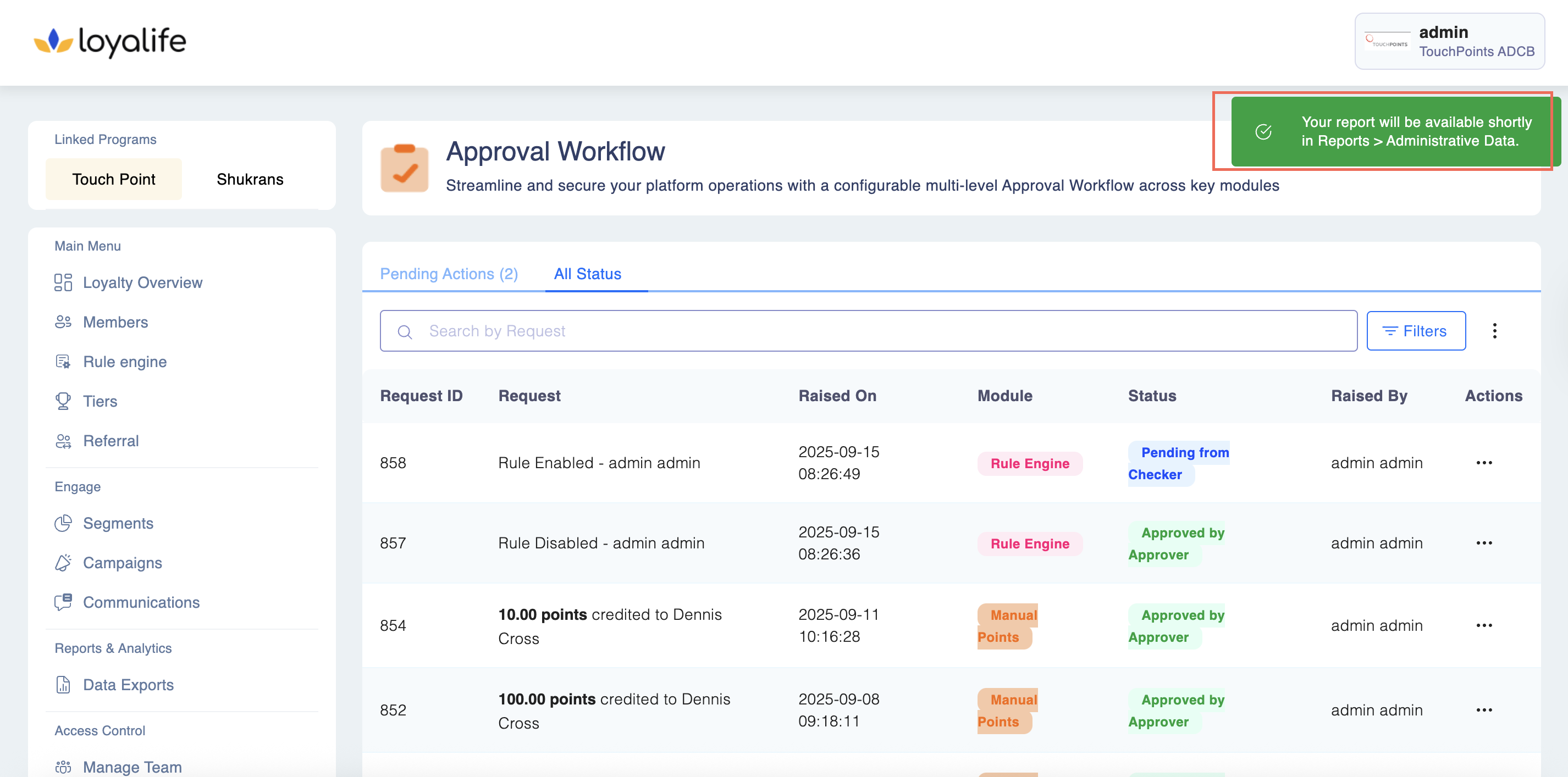
- A confirmation message will appear: “Your report will be available shortly in Reports > Administrative Data.”
Step 5: Retrieve the Report
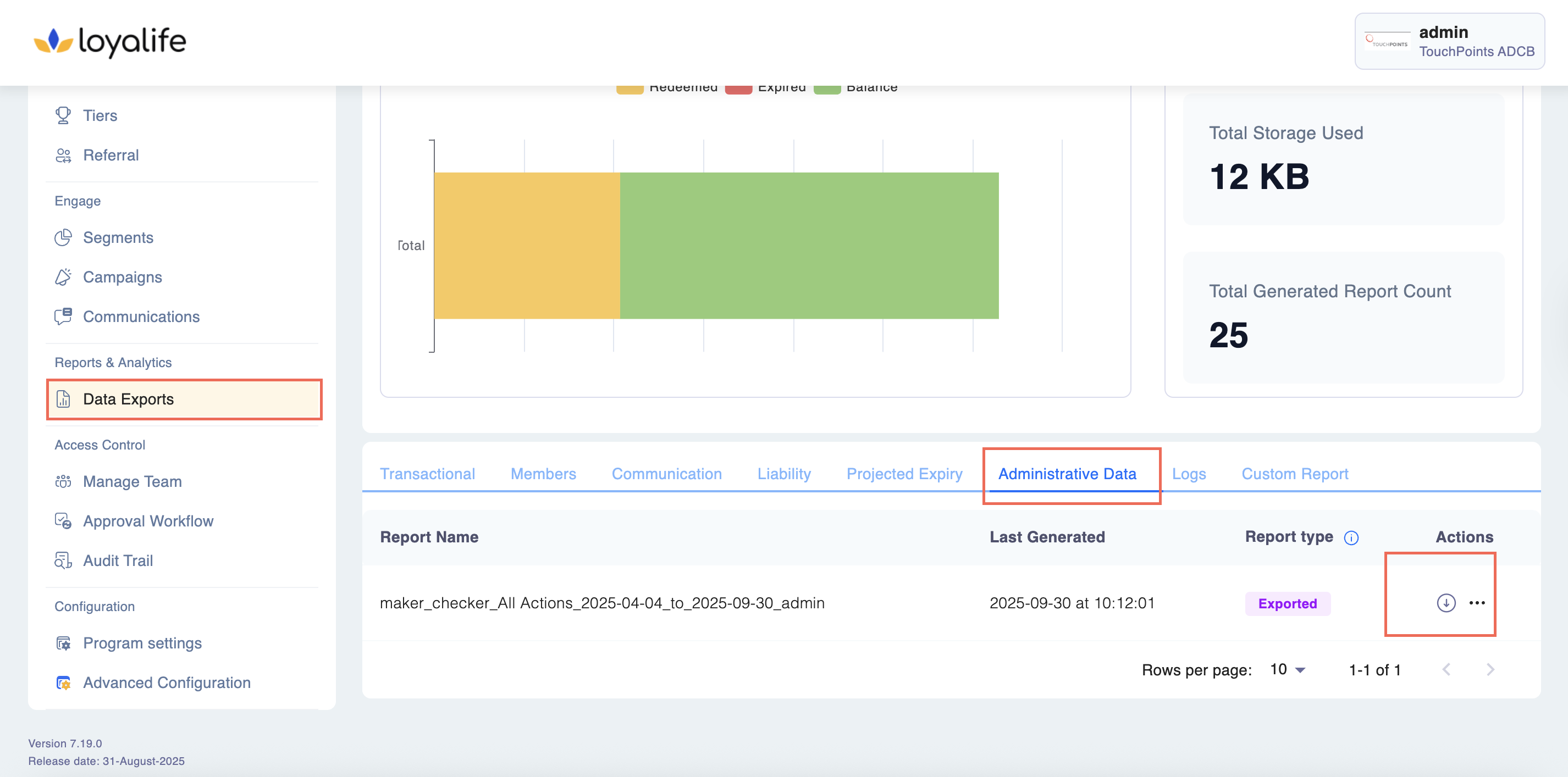
- Go to Reports & Analytics > Data Exports > Administrative Data in the main menu.
- Look for your file with the following naming format: Example: maker_checker_allactions_2025-01-01_to_2025-03-31_smith.csv
- Click on the download icon
Open it in Excel or any spreadsheet tool to review the details.
Find the sample Maker Checker Sample Report Content