Overview
Members Overview
Who exactly are members?Members are individual end consumers who interact with the business loyalty program by earning and burning points.
The Member module is central to managing customer data and their transaction history within the loyalty program.
🎥 Watch the Video - Members Overview
This section offers a comprehensive view of all the members, their actions, and their life cycle.
Pre-requisitesYou will need access to the View Members section in order to view the Members module.
Access the Members module
- Click "Members" in the sidebar to access the Members module.
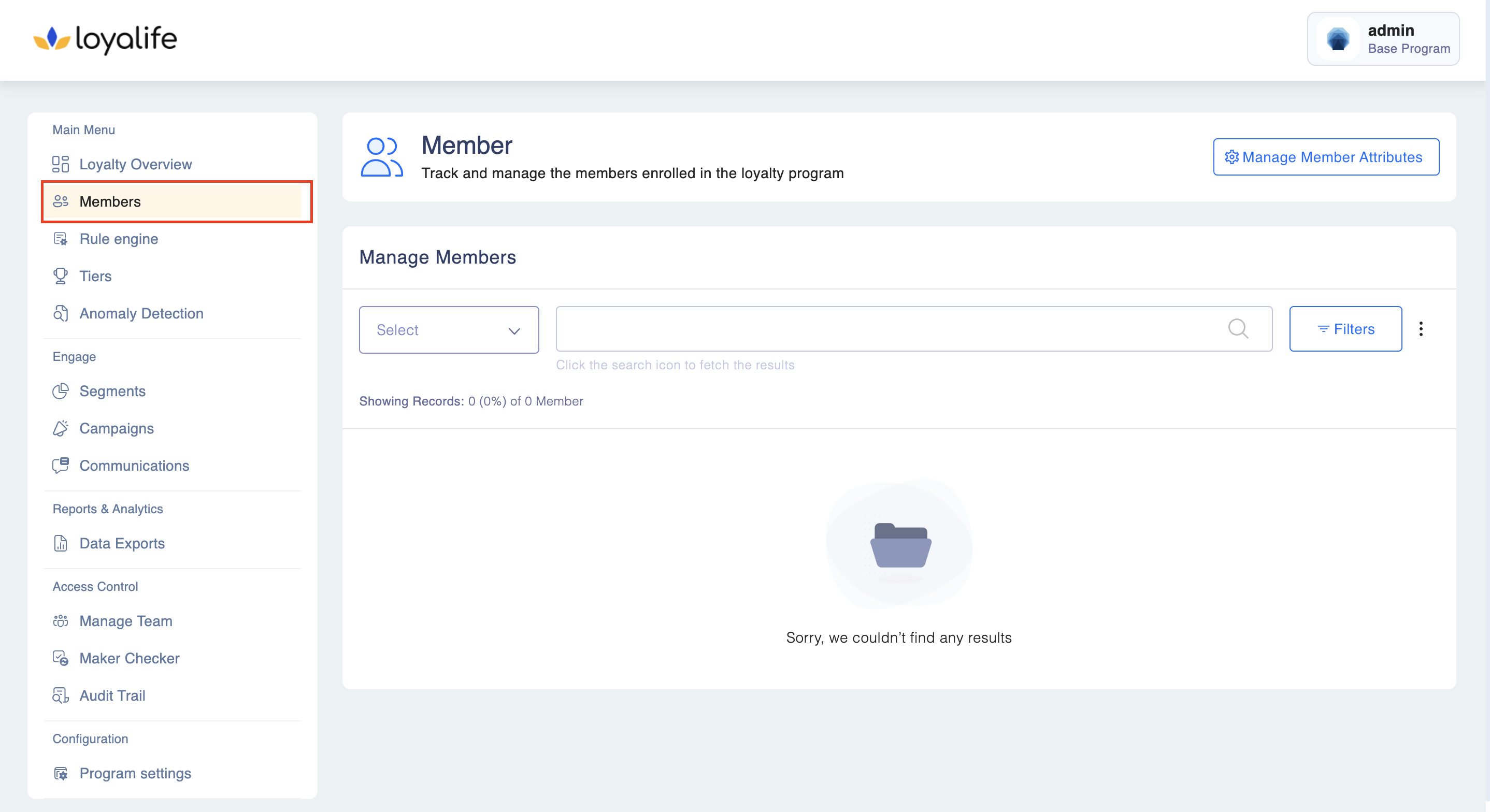
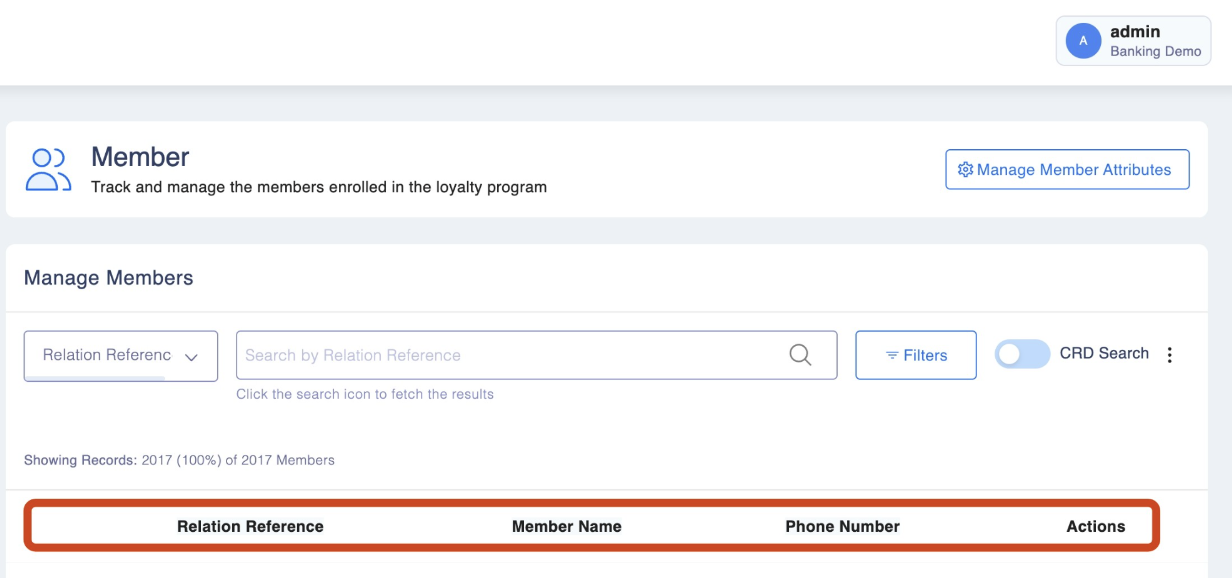
- The Members dashboard will display key details such as:
- Member ID (Unique Identifier)
- Tier
- Name
- Phone Number
Please Note: Member Identification
Members are uniquely identified by a Member ID, which is consistent across the system. This ID is used for querying, reporting, and reconciliations. Clients should map this ID with their internal member references for smooth operations.
In addition, members may be linked with CardNumber and/or SubrelationIdentifier, particularly for accounts such as deposits, loans, or cards.
Rules for CardNumber and SubrelationIdentifier:
- At least one identifier must be provided.
- Both can be used together.
- 0 is accepted in one field, but not both simultaneously.
- Duplicate values are allowed across different members, but not within the same member.
- Updates to CardNumber or SubrelationIdentifier are not allowed; only other fields can be updated.
- API calls or file uploads will validate these rules and reject invalid records.
FAQs
How a member is uniquely identified in the platform?
A member is uniquely Identified through a unique Member ID. The same is used throughout the system for querying, reports, and reconciliations. The ID should be synced and mapped with the actual reference of the member by our clients for the best results.
Can member data be exported?
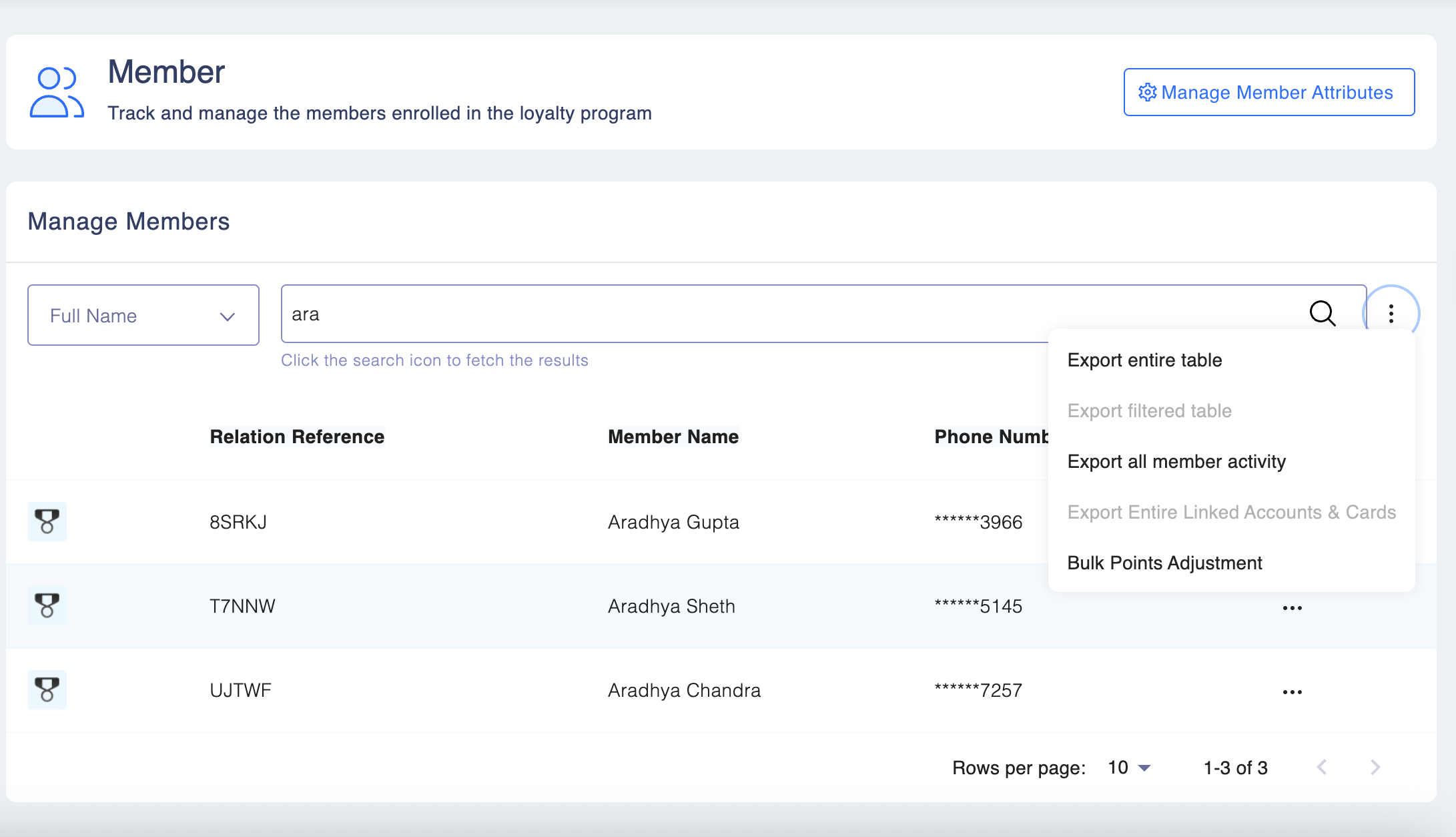
Yes. The following data can be exported from the member's page:
All member data or based on filters All transaction data of a specific member or based on filters All communication data based on filters Reports would be visible in the reports section.