
Download - All Users
Learn how to download all the users from Loyalife dashboard
Steps to Download Users:
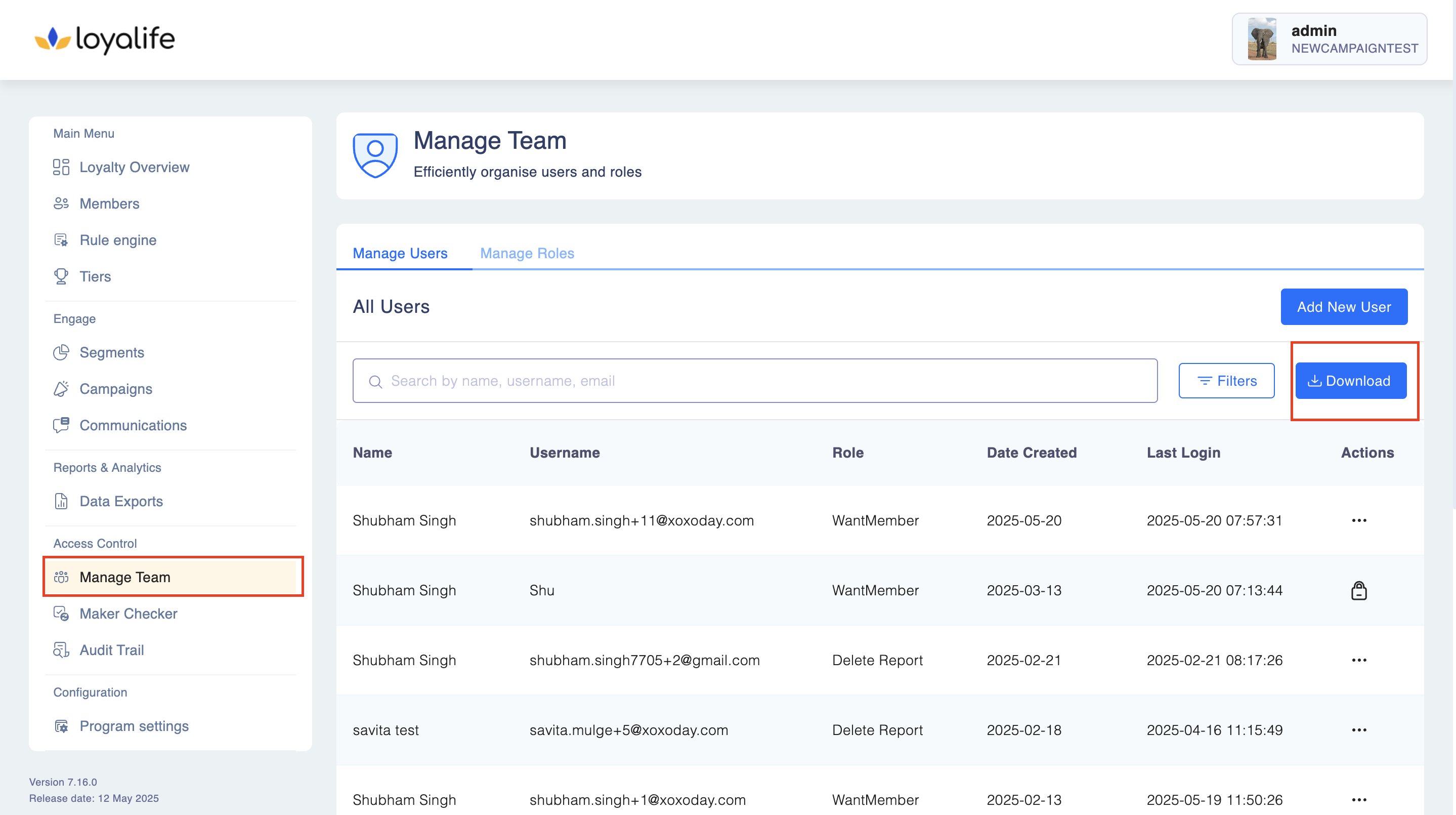
Navigate to Access Controls → Manage Team.
- Click on Download (top-right corner).
-
Choose the desired format:
- CSV → The file will be available in Reports → Administrative Data & Actions for later access.
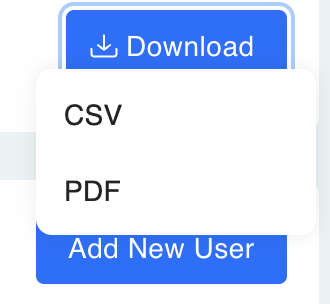
- PDF → The file will be downloaded immediately.
If downloaded as CSV, go to Reports → Administrative Data and click Actions.
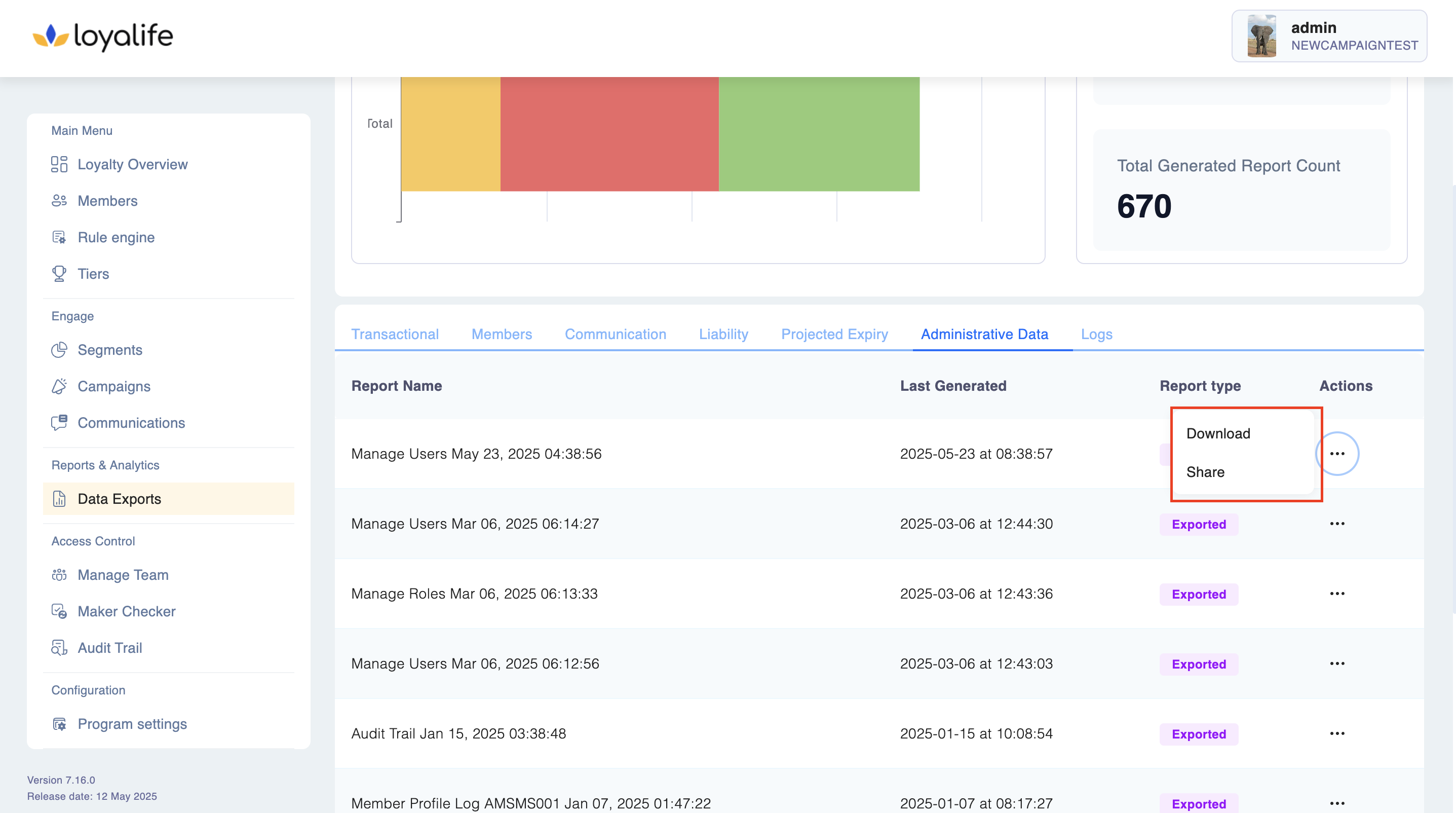
Click Download and share as needed.
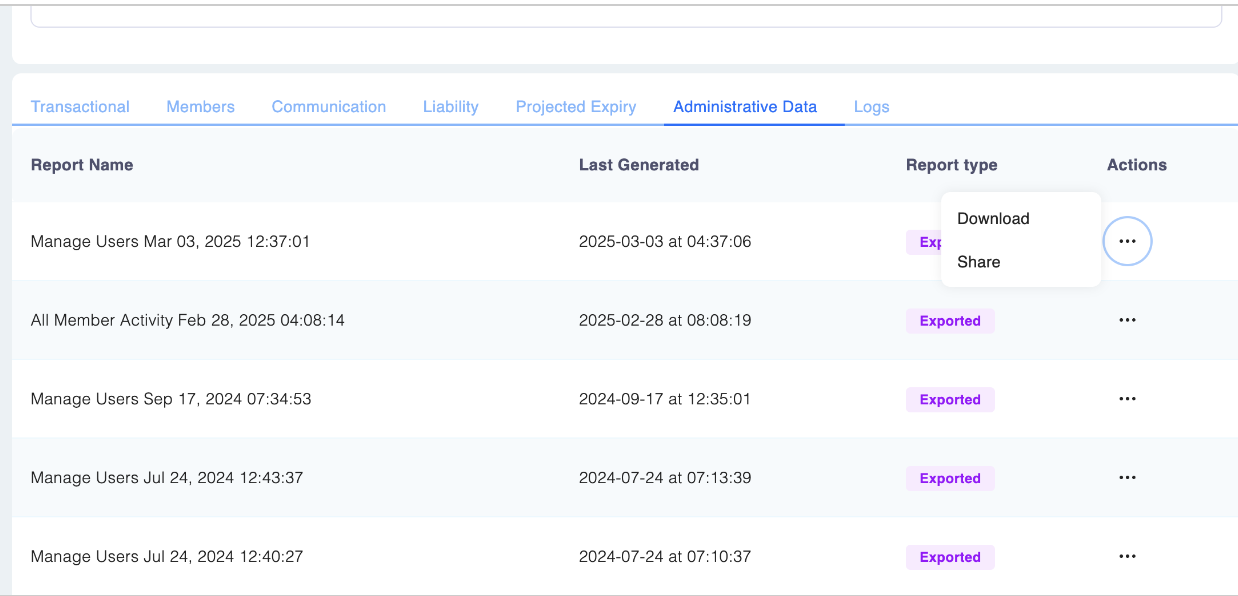
Please Note: When downloading user data, the system now includes a comprehensive breakdown of the specific permissions assigned to each user based on their role. This is listed under the "Permissions" heading.